
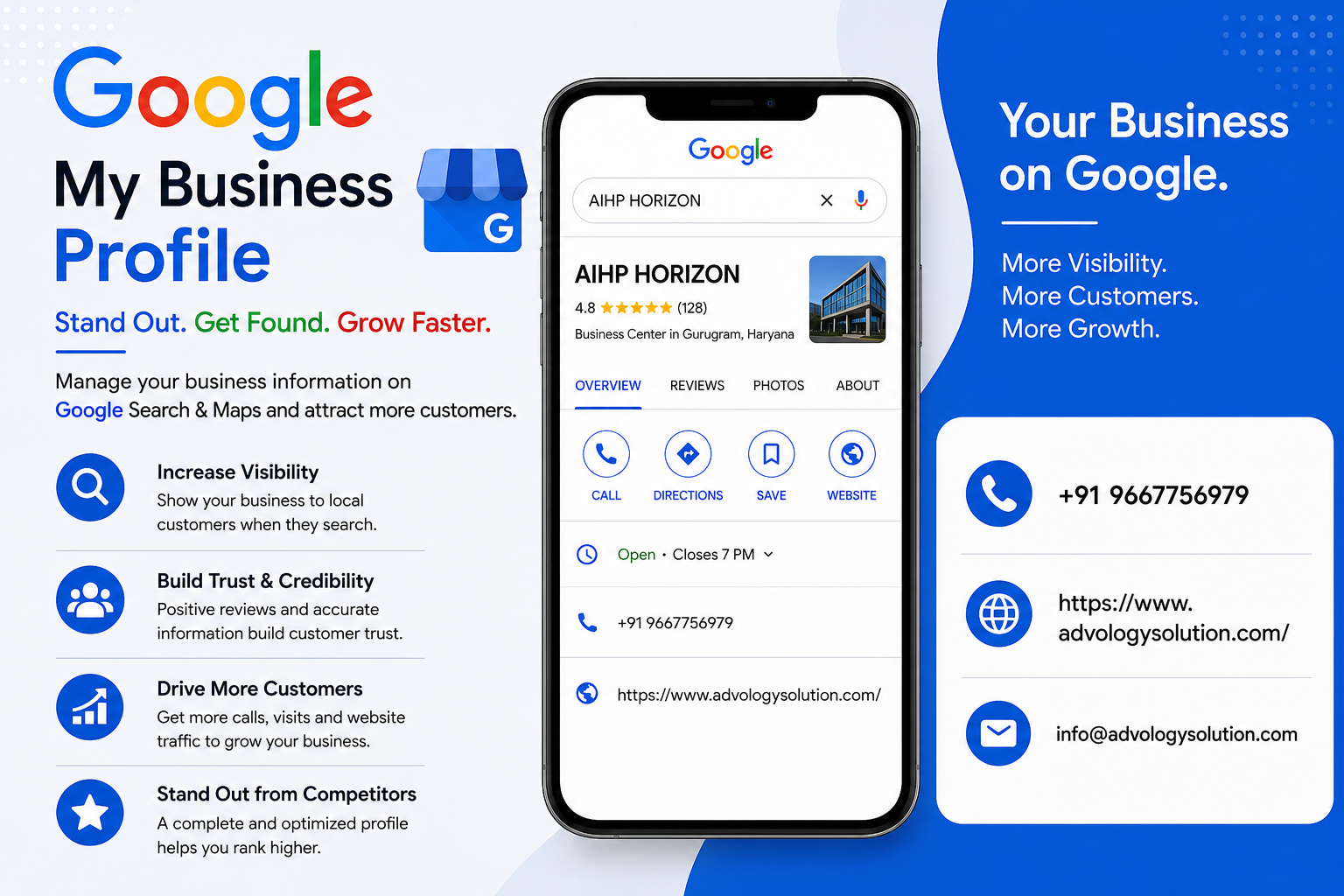
Creating a Google Account for your business is an important first step toward building a professional online presence. A dedicated account can help you manage business-related Google services, including Google Business Profile, Google Maps, Gmail, and other useful tools. If you are wondering how to Create a Google Account for My Business, the process is straightforward and can be completed online with a few basic details.
When you Create a Google Account for My Business, it is a good idea to use an account that your business can maintain for the long term. Google confirms that a Google Account is required to sign up for a Business Profile, and you can either create a new Google Account or use an existing account with an eligible email address.
A dedicated business account also makes it easier to organize access when more than one person needs to manage your online presence. Instead of sharing login information, Google allows Business Profile owners to invite other users as owners or managers using their own Google Accounts.
Why Create a Google Account for Your Business?
A Google Account gives your business a central way to access several Google services. Depending on your needs, you may use the account for business email, Google Business Profile, Google Drive, Google Analytics, Google Search Console, YouTube, and other Google products.
For local businesses, one of the biggest advantages is the ability to connect the account with a Google Business Profile. After a business is added and verified, customers can find the business through Google Search and Google Maps, while the authorized owner can manage important business information.
A separate business account can also improve organization. Business files, communication, marketing activities, and profile management can be kept separate from personal Google services. This can be especially useful as the business grows and additional team members become involved.
Prepare Your Business Information Before Creating the Account
Before you start the account creation process, gather the information you expect to use for your business. Preparing these details in advance can make the setup process smoother.
You may want to have your business name, business email address, phone number, website information, and other basic company details available. If you plan to create a Google Business Profile afterward, also prepare accurate information about your business location or service area, operating hours, category, and services.
Accuracy is important because Google recommends that businesses represent themselves consistently and accurately. Your business name should reflect the real-world name of the business rather than adding unnecessary keywords or promotional information.
Choose the Right Email Address
One of the first decisions is whether to create a new Gmail address or use an existing business email address. Google allows users to create a Google Account with a Gmail address or with another email address.
If your business already has a professional email address, you may prefer connecting that address to a Google Account. This can help keep your business identity consistent across your online activities. If you do not have a business email address, creating a dedicated Gmail account can be a simple option.
Choose an address that looks professional and is easy for authorized team members to recognize. Avoid using an email address that is tied only to one employee if the account will eventually be important to the entire organization.
Steps to Create a Google Account for My Business
The process of creating a Google Account is generally simple. Start by visiting the official Google account creation page and select the option to create an account. Follow the instructions displayed on the screen.
Enter the requested information, choose your preferred email address if you are creating a new Gmail account, and create a strong password. Depending on Google's current account setup requirements, you may also be asked to provide additional information for account security and recovery.
Once the account is created, review the account settings and add appropriate recovery information. Keeping recovery information current can make it easier for an authorized account owner to regain access if login problems occur.
Use a Strong and Secure Business Login
Security should be an important part of creating a business Google Account. Avoid using an easily guessed password or reusing a password from another service. A strong password should be unique to the account and difficult for unauthorized users to predict.
Where available, enable additional account security features such as two-step verification. Regularly review account recovery options and connected devices so that your business account remains under appropriate control.
It is also better to provide individual access to employees or partners rather than giving everyone the primary account password. For Business Profile management, Google supports multiple owners and managers, allowing people to work with their own Google Accounts.
Connect Your Google Account to Google Business Profile
After creating your Google Account, you can use it to establish your business presence on Google. Google Business Profile is designed for eligible businesses that either have a physical location customers can visit or travel to customers as a service-area business.
If your business does not already have a Business Profile, Google provides a process for adding one. You can go to the Google Business Profile setup page, choose the option to add your business, and follow the instructions to provide your business information.
During setup, provide accurate information and select the appropriate business category. Avoid creating duplicate profiles for the same business because Google recommends having only one profile per business.
What If Your Business Already Appears on Google?
Before creating a new Business Profile, search for your business name and location on Google Search or Google Maps. Your business may already have a profile created by Google or another source.
If an existing profile is unverified, an authorized representative may be able to claim it. Google explains that businesses can search for their business on Google Maps, select the correct profile, choose the claim option, and follow the available verification steps.
If another person has already verified the profile, you may need to request ownership instead of creating another profile. Google provides an ownership request process for authorized business representatives.
Complete the Google Business Profile Verification
Creating a Google Account and creating a Business Profile are separate steps. After adding or claiming the profile, you may need to verify the business before you can fully manage its information.
Google determines the verification options available for each business. Depending on the business and region, available options can vary. Google notes that verification methods are automatically determined and cannot simply be selected by the user.
Follow the verification instructions shown inside your Business Profile. Provide the requested information carefully and make sure the details represent the actual business.
Complete Your Business Information
Once your Business Profile is verified, review the information displayed to customers. Important details may include your business name, address, service area, hours, phone number, website, category, photos, and business description.
Google recommends keeping business information accurate and up to date. You can edit verified Business Profile information through Google Search or Google Maps.
Your business description should explain what your company offers and what makes it useful to customers. Google recommends focusing on relevant business information rather than filling the description with promotional language or unnecessary content.
Add Professional Photos and Business Details
After setting up your account and Business Profile, consider adding useful photos that represent your business accurately. Depending on your business type, these could include your storefront, office, products, services, team, or completed work.
Consistent branding can also make your business easier for customers to recognize. Use your actual business name, appropriate logo, accurate contact information, and current operating hours.
Keeping your profile updated is an ongoing activity rather than a one-time task. If your hours, services, phone number, address, or other important information changes, update the profile promptly.
Give Team Members the Correct Access
If multiple people help manage your online presence, assign access carefully. Google Business Profile allows owners to invite additional owners and managers. This provides a structured way to share management responsibilities without requiring everyone to use the same login credentials.
Only give access to people who genuinely need it. When an employee or outside partner no longer works with your business, review their access and remove permissions when appropriate.
Common Mistakes to Avoid
One common mistake is creating several Google Business Profiles for the same business. Duplicate profiles can create confusion and may affect how business information appears across Google services.
Another mistake is entering an inaccurate business name, address, category, or service area. Google recommends representing your business as it is recognized in the real world and using accurate information throughout the profile.
It is also important to avoid giving your primary account password to every employee or marketing provider. Use Google's available owner and manager access features whenever possible.
Keep Your Google Business Account Updated
After you Create a Google Account for My Business and establish your Business Profile, continue monitoring the account regularly. Check business information, profile access, photos, reviews, operating hours, and other important details.
Regular maintenance can help customers receive accurate information when they search for your company. It also gives business owners better control over their online presence.
How a Google Account Supports Local Online Visibility
A Google Account itself does not automatically guarantee higher search rankings. However, it provides access to important Google services and can be used to manage an eligible Business Profile.
A complete and accurate Business Profile can help customers discover your business on Google Search and Maps. Google specifically states that adding and verifying a Business Profile enables customers to find the business on Search and Maps and allows the business to control how its information appears.
For businesses that depend on local customers, maintaining accurate information can therefore be an important part of a broader digital marketing strategy.
Frequently Asked Questions
Can I use an existing email address to create a Google Account for my business?
Yes. Google allows you to create a Google Account using a Gmail address or an existing email address. This can be useful if your company already has a professional business email address.
Do I need a Google Account for a Google Business Profile?
Yes. Google states that you need a Google Account to sign up for a Business Profile. You can create a new account or use an existing eligible Google Account.
Can I claim an existing business listing?
Yes. If an unverified Business Profile already exists for your business, you may be able to claim it. If another person has verified the profile, an authorized representative can request ownership through Google's ownership process.
Can multiple people manage my Business Profile?
Yes. Google allows owners to invite additional owners and managers. Each person can use their own Google Account rather than sharing one password.
Does creating a Google Account automatically create a Business Profile?
No. A Google Account provides access to Google services, while a Business Profile is a separate business listing that must be added or claimed and then verified when required.
Conclusion
Learning how to Create a Google Account for My Business is a useful first step for establishing a professional presence across Google's services. The process involves choosing an appropriate business account, securing it properly, preparing accurate company information, and then using the account to add or manage an eligible Google Business Profile.
Once your profile is established, take time to verify the business, maintain accurate information, add useful photos, and manage team access responsibly. Avoid duplicate profiles and make sure your business details accurately represent your real-world operations.
A well-managed Google Account combined with an accurate Business Profile can give your business a stronger foundation for being discovered through Google Search and Maps. With regular updates and careful account management, you can create a reliable online presence that makes it easier for potential customers to learn about your business and connect with you.